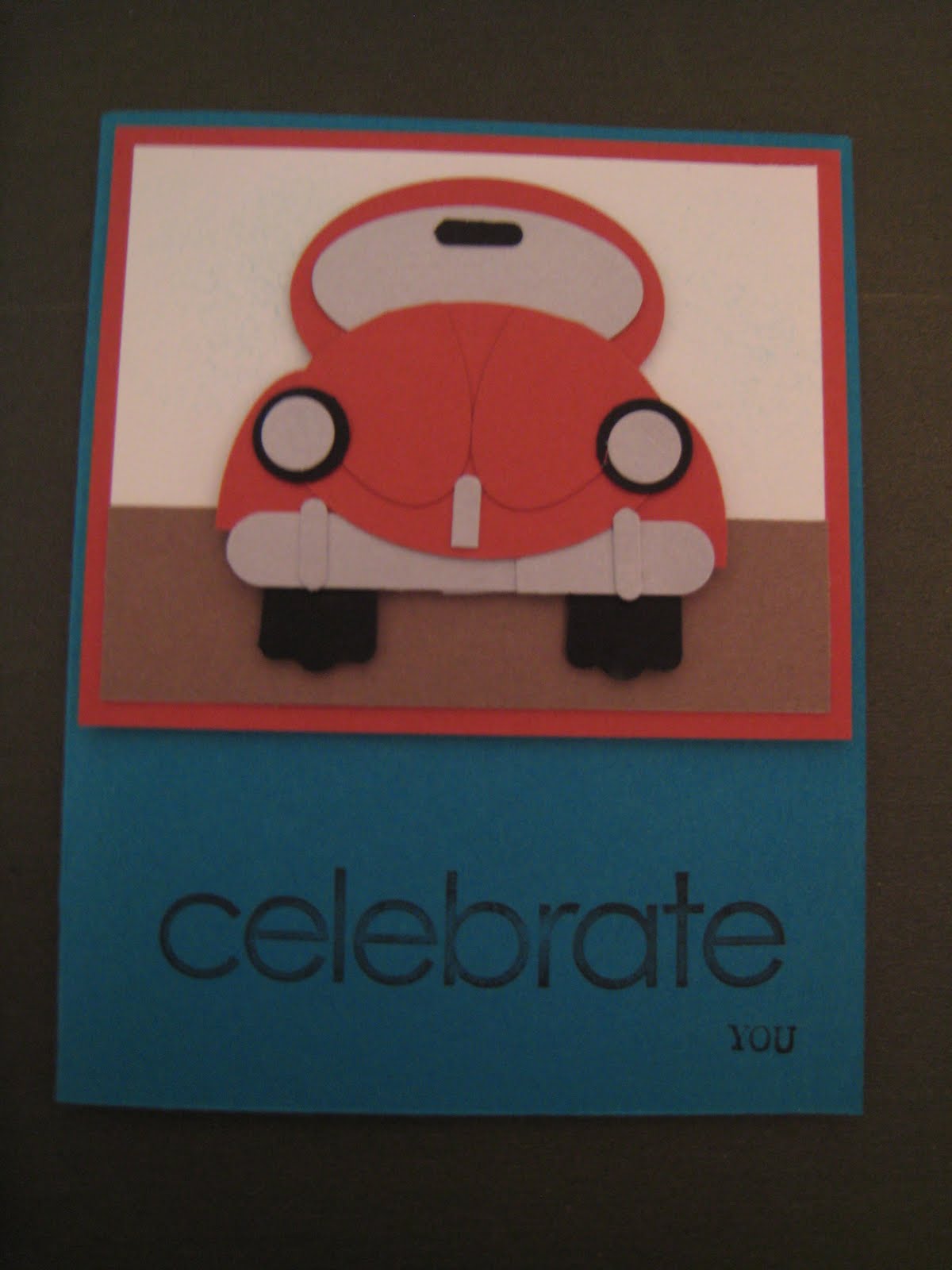
I have to be the worst blogger ever!! It has been a crazy few months since I last blogged. We have had to make another emergency trip to Virginia for a death in the family, then back to go on vacation to California, home to finish last few weeks of kindergarten and getting ready for baby number 2!! He will be here July 19th!! I plan to take the last part of July and all of August off to adjust then we are back full force in September so be ready!!
On June 12th I will be hosting a fun stamp a stack featuring retiring Stampin' Up! products! Cost for the class is $20 for 10 cards, 2 each of the 5 designs OR $40 for 20 cards, 4 each of the 5 designs. RSVP is needed by June 9th.
The first card features Garden Whimsy. The colors used were Basic Black, Pale Plum and Mellow Moss.

This card features Scary Skeleton and a fun Tent Topper Card! Colors used were Only Orange and Basic Black.
The third card is Welcome Home and Itty Bitty Backgrounds. Colors used are Chocolate Chip, Old Olive and Summer Sun.

The fourth card is from the set Animal Crackers. Colors used are Brilliant Blue, Silver and Bashful Blue

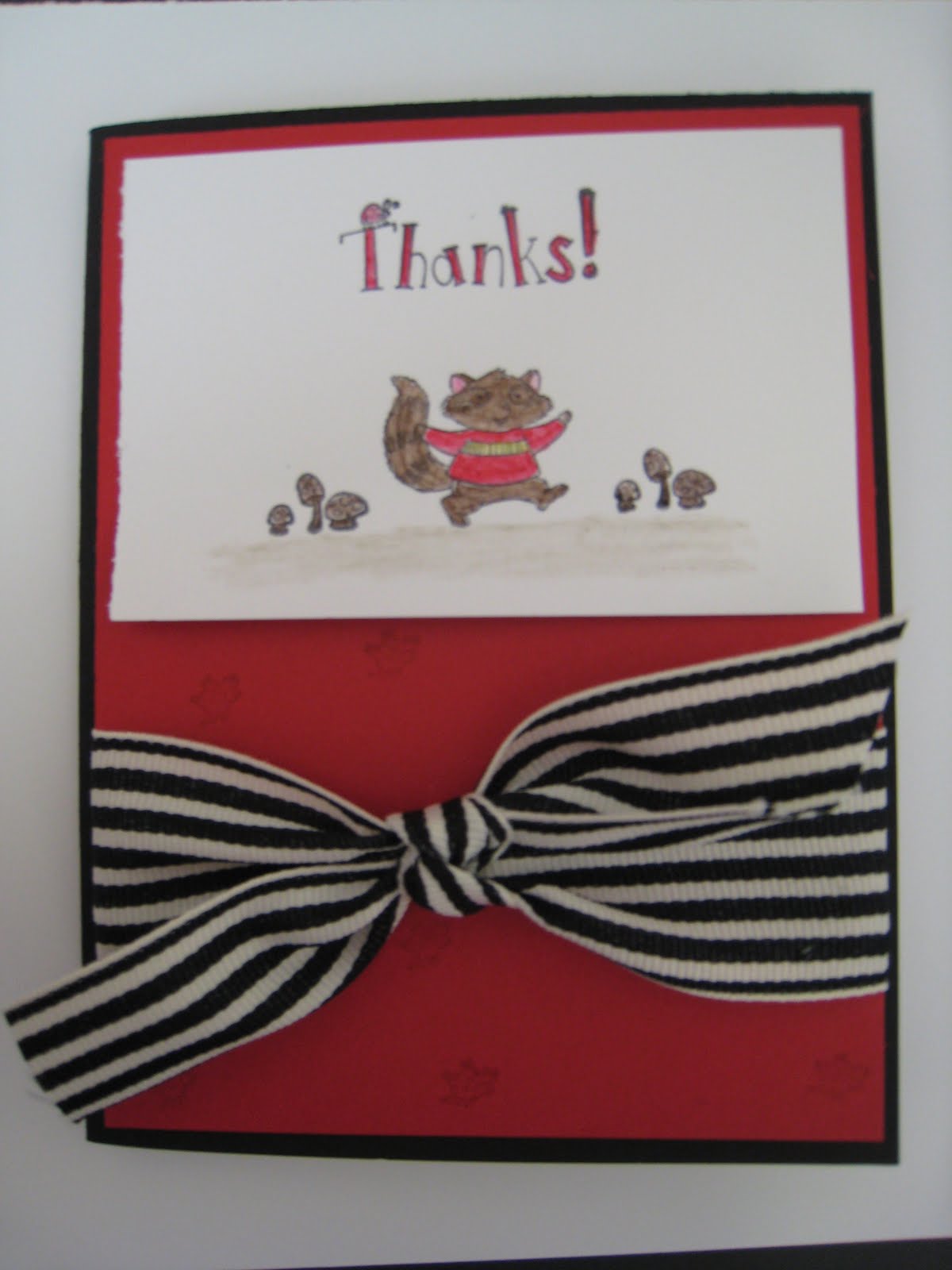
The final card features our Ronald McDonald Set Very Thankful. Colors are Cameo Coral and Certainly Celery.
 ***Ideas from cards came from SCS. Thank you to all the talented stampers that inspire me to step out of the box and try new combinations and ideas!!
Retiring accessories are while supplies last so if you see a color or accessory on the retiring list that you would like get it while you can. You can email me or call me with orders! :)
Happy Stamping and I hope to see you on June 12th!!